
How to Watch World Cup 2026 on Firestick in 4K (IPTV Guide)
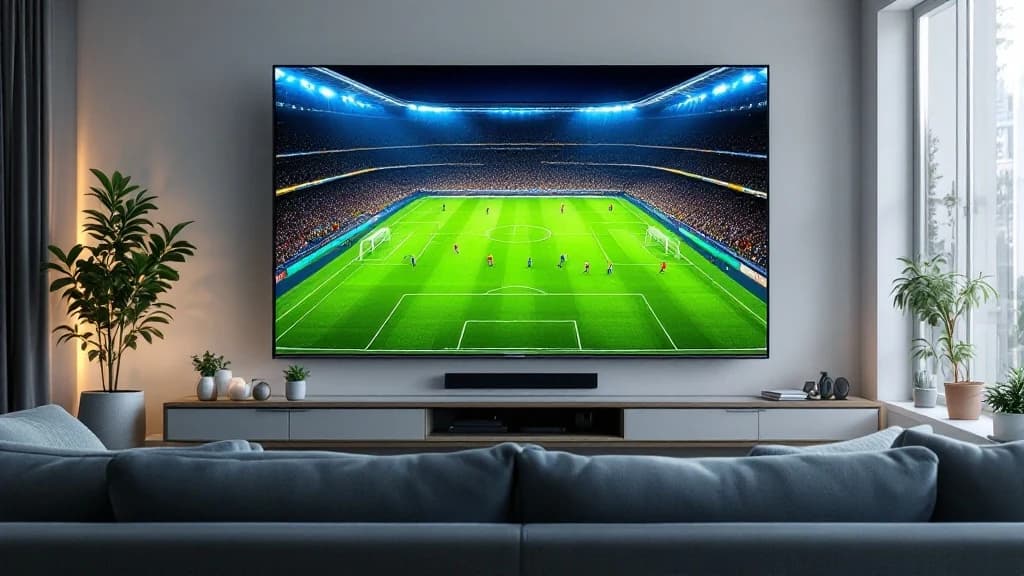
Want every World Cup 2026 match in 4K without juggling apps and paywalls? Here is how to watch all 104 games on a Firestick or smart TV with one IPTV login.
Forty-eight teams, a hundred and four matches, three host countries, and your games scattered across FOX, FS1, Telemundo, Peacock and a new app called FOX One. If you just want to sit on the couch and watch every match in crystal-clear 4K, without paying four different companies or missing kick-off while you hunt for the right channel, this guide is for you.
Here is the short version first, then the exact setup for a Fire TV Stick, a smart TV, or your phone.
The quick answer
You can watch all 104 World Cup 2026 matches in 4K on a Firestick with a single IPTV login. Pick a plan, install a player like TiviMate or IPTV Smarters from the Amazon Appstore, paste your login once, and every match shows up in the guide ready to play. The whole thing takes about three minutes, and the same login works on your TV, phone and tablet at the same time.
That is the trick in one sentence: one subscription, one login, every game, instead of bouncing between apps and free trials that quietly turn into monthly bills.
Where the World Cup 2026 actually airs
It helps to know what the official route looks like, because it explains why so many fans go looking for something simpler.
In the United States, FOX and FS1 hold the English-language rights. Sixty-nine matches are on the main FOX channel and the other thirty-five land on FS1. FOX One, the new standalone app, carries all 104 games for $19.99 a month. Spanish-language coverage runs across Telemundo, Universo and Peacock. The live-TV services, Fubo, YouTube TV, Sling and Hulu, carry the FOX channels too, mostly behind a free trial that becomes a $70 to $90 monthly charge the second the tournament ends.
So the official answer is: pick a streaming service, hope it carries the right FOX channel for your match, watch anything in Spanish on a second app, and keep paying a bill that outlives the football. None of that is wrong. It is just a lot of moving parts for one month of your life.
| Option | Typical cost | The catch |
|---|---|---|
| FOX One | $19.99/mo | English only, brand-new app |
| Fubo / YouTube TV | $70 to $90/mo | Free trial, then full price |
| Telemundo / Peacock | from $7.99/mo | Spanish commentary |
| Vivimate IPTV | from $13.99 | Every match, 4K, any device, one login |
Why fans watch the tournament on IPTV
A good IPTV plan folds all of that into one place. You get the channels that carry the matches, in up to 4K, on the devices you already own, with a proper 7-day guide so you can see what is on now and what is next. No second app for a different feed, no "this game is on FS1 and you only bought the FOX plan," no surprise renewal in August once the trophy is lifted.
For a one-month event with games most afternoons and evenings, that simplicity is the entire appeal. You set it up once, and then you just watch football.
How to watch World Cup 2026 on a Firestick
Here is the exact setup on a Fire TV Stick. It is how most of our customers watch, and it really does take minutes.
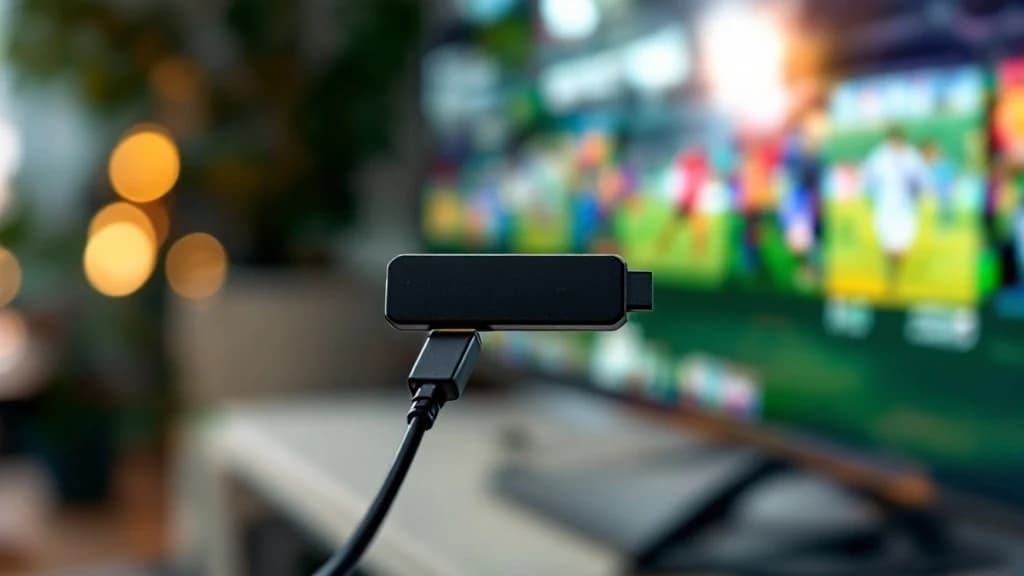
1. Get your plan and login
Pick a Vivimate plan and pay. The moment your payment clears, your login, either an M3U link or an Xtream Codes username and password, lands in your dashboard and your inbox. Keep it handy for the next step.
2. Install a player on your Firestick
From the Fire TV home screen, search for TiviMate or IPTV Smarters Pro and install it straight from the Amazon Appstore. Both are free to download and both are great for a tournament. TiviMate has the cleaner sports guide; IPTV Smarters is the simplest if you want zero fuss. First time doing this? Our TiviMate on Firestick walkthrough covers every tap.
3. Paste your login once
Open the player, choose Add playlist, pick Xtream Codes, and paste the server URL, username and password from your dashboard. The channels and the full guide load themselves. The complete steps are here: how to set up Vivimate.
4. Find the football and press play
Open the guide, jump to the sports group, and the FOX, FS1 and tournament feeds line up with their kick-off times. Tap a match and you are watching. No second app, no blackout message, no fuss.
Watching on a smart TV, phone or Apple TV
Not on a Firestick? The same login works everywhere. On a Samsung or LG smart TV, install IPTV Smarters or IBO Player Pro and paste the same details. On an iPhone, iPad or Android phone, grab IPTV Smarters from the app store. On an Apple TV, TiviMate does the job nicely. One plan covers every screen in the house, which matters when two matches kick off at once and nobody wants to watch the same one.
Get the 4K picture right
A few minutes of prep keeps the stream clean during the big games:
- Aim for 25 Mbps or more for smooth 4K. Around 10 to 15 Mbps is plenty for HD.
- Plug your Firestick or box into the router with an Ethernet adapter if you can. Wired beats Wi-Fi every time once everyone in the building is streaming the same match.
- If a stream stutters, drop the quality one notch or clear the app cache. Our buffering fixes sort out almost everything in a couple of taps.
Opening weekend and the final are the two busiest streaming days of the entire year, so get everything set up a few days early rather than ten minutes before the first whistle.
Don't miss a single match
The group stage runs daily with several games a day, then it narrows down to the knockout rounds, the semi-finals and the final on July 19. With the full guide sitting in front of you, you can see every fixture and tap straight in without hunting around. If football is the reason you are here, you will probably want our guide to watching the Premier League on IPTV too, ready for when the new season kicks off.
Is this safe to use?
Stick with a provider that has a real website, real support and proper card processors, not a random link someone dropped in a forum. We wrote an honest piece on how to tell a legitimate service from a throwaway one: is Vivimate legit. Pay by card or PayPal, check there is a clear refund policy, and you are on solid ground.
Ready for kick-off
The World Cup only comes around every four years, and this one is on home soil for North American fans. You do not want to spend it troubleshooting apps or hunting for the right channel. One Vivimate login gets you every match in 4K on the screen you already own, set up in about the time it takes to make a coffee.
See Vivimate plans and be ready before the next whistle blows.
Frequently asked questions
Can I watch every World Cup 2026 match on a Firestick?
Yes. With one IPTV login pasted into TiviMate or IPTV Smarters on your Fire TV Stick, all 104 matches appear in the guide with their kick-off times. You tap the match and it plays, in up to 4K, with no second app needed.
Is the World Cup 2026 free to watch anywhere?
A couple of matches stream free on Tubi (the opening game and the USMNT opener), and in the UK every match is free on BBC iPlayer or ITVX with a TV licence. Beyond that, the games sit behind FOX, FS1, FOX One or a paid live-TV service in the US.
What internet speed do I need to watch in 4K?
Around 25 Mbps or more gives you smooth 4K. For HD you only need about 10 to 15 Mbps. A wired Ethernet connection to your Firestick is the single biggest upgrade for peak-hour matches.
Which app is best for the World Cup on a Firestick?
TiviMate has the cleanest sports guide and is our first pick for tournament football. IPTV Smarters Pro is the easiest if you want minimal setup. Both are free to install from the Amazon Appstore and both work with the same Vivimate login.
When does the World Cup 2026 finish?
The tournament runs from June 11 to July 19, 2026, across the United States, Canada and Mexico. The group stage has several matches a day before it narrows to the knockouts, semi-finals and the final on July 19.
Written by the Vivimate Team
We run Vivimate, the 4K IPTV service, and set these apps and devices up every day for customers around the world. Every guide here is written and checked by the same people who answer support, so the steps are the ones we actually use. Got a question we did not cover? Reach the team.
Ready to start streaming?
Roughly forty thousand feeds, around 200K on-demand titles, true 4K, live in 60 seconds.