
How to Set Up Vivimate (TiviMate, Smarters, Firestick)
Set up Vivimate in minutes: drop your Xtream or M3U login into TiviMate or IPTV Smarters, load the TV guide, and dodge the usual first-night buffering.
You paid, your login is sitting in your dashboard, and now you want it on the TV. Good news: connecting Vivimate to a player takes about two minutes once you know which login type to use. Here is the whole thing, start to picture.
First, grab your Vivimate login
The moment your payment cleared, Vivimate created your account and dropped your credentials into your dashboard at vivimate.io, with a copy in your inbox. You are looking for two things:
- An Xtream Codes set: a server URL, a username and a password.
- An M3U URL: one long link that ends in get.php.
You only need one. Which one you pick matters more than people think, so that is the next decision.
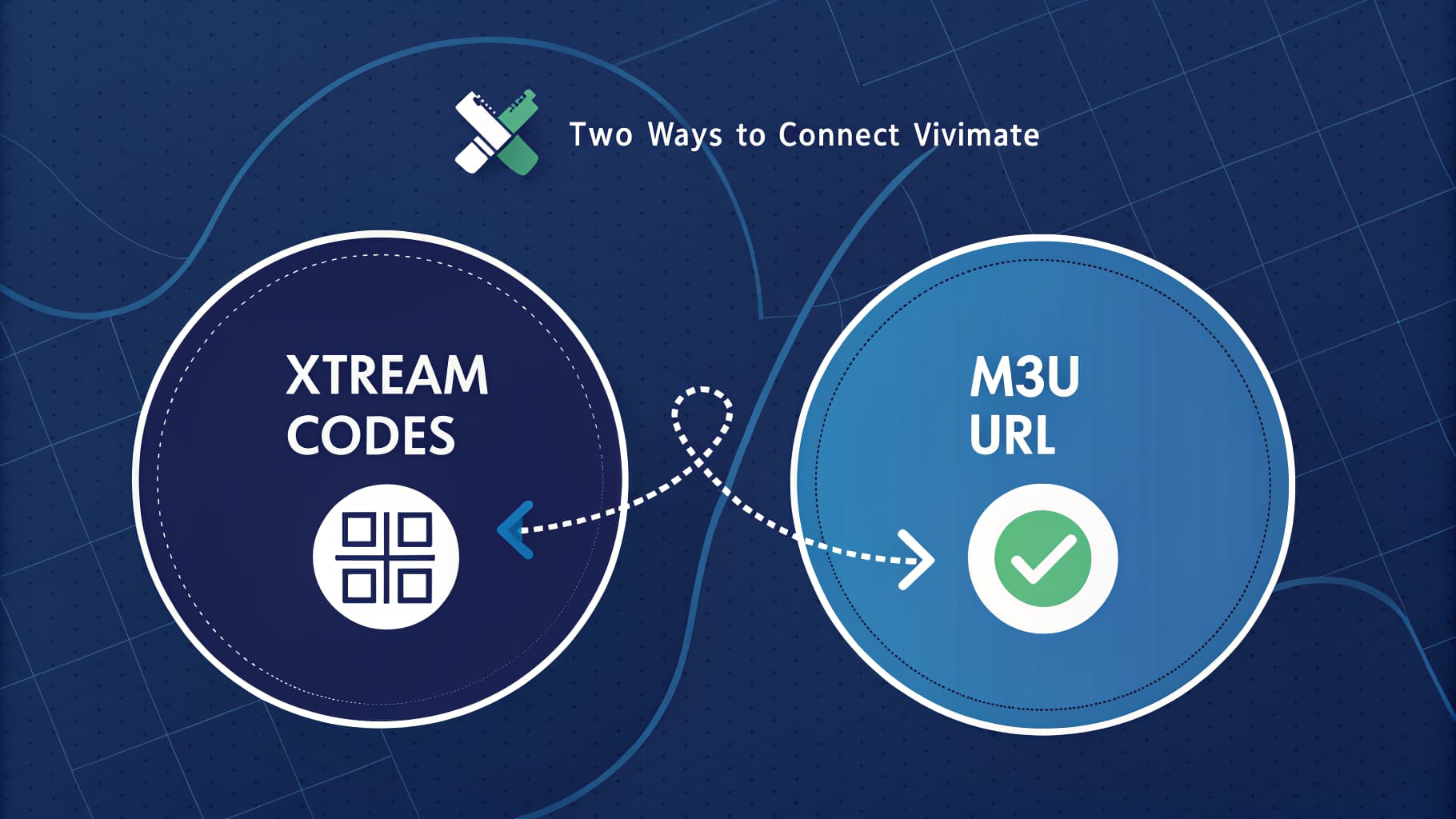
Xtream Codes or M3U?
Use Xtream Codes whenever the app supports it. It pulls your channels, the categories, the on-demand library and the seven-day TV guide in one shot, and it keeps them updated. An M3U URL gives you the channels too, but the guide often has to be added separately, which is a second job you do not need.
Short version: Xtream if the app offers it, M3U only as a fallback.
Setting up Vivimate in TiviMate
TiviMate is the player most people settle on, and it is the smoothest. On a Firestick without TiviMate yet, our Firestick install walkthrough covers the sideload first. With TiviMate open:
- Choose Add playlist, then Xtream Codes.
- Paste the server URL, username and password from your dashboard.
- Give the playlist a name and confirm.
TiviMate loads the channel list and the guide on its own. Give it a minute on first run while the EPG downloads.
Setting up Vivimate in IPTV Smarters Pro
Smarters is the common pick on phones, tablets and smart TVs.
- On the login screen choose Login with Xtream Codes API.
- Enter any name, then the server URL, username and password.
- Tap Add User.
Your categories appear and you are watching. M3U works here too, under Load Your Playlist or File, if you ever need it.
Load the TV guide
On Xtream the guide comes in automatically. If you went the M3U route and the guide is blank, open the app settings, find the EPG or XMLTV field, paste the guide URL from your dashboard, then trigger a manual EPG refresh so it populates straight away.
Head off first-night buffering
Most "it keeps buffering" complaints on day one are settings, not the stream. Four quick wins:
- Run a speed test on the actual device, not your laptop. You want 25 Mbps sustained for 4K.
- On a Firestick, use 5GHz Wi-Fi, or better, an Ethernet adapter.
- In the player, nudge the buffer to a slightly higher value so a brief dip does not stall playback.
- Close background apps that hog the connection.
If one channel stutters while everything else is fine, that is the source, not you, and Vivimate's mirror failover usually moves you to a backup feed on its own.
That is it
Login from the dashboard, Xtream into your player, let the guide load, watch. Hit a wall? Message [email protected] and we will walk you through your exact device. Still deciding? Start with is Vivimate legit, then pick a plan.
Frequently asked questions
How do I set up Vivimate on TiviMate?
Open TiviMate, choose Add playlist then Xtream Codes, and paste the server URL, username and password from your Vivimate dashboard. TiviMate loads the channels and TV guide automatically.
Should I use Xtream Codes or M3U for Vivimate?
Use Xtream Codes whenever your app supports it. It loads channels, categories, on-demand and the TV guide in one step and keeps them updated. M3U is a fine fallback, but the guide often has to be added separately.
Where do I find my Vivimate login details?
In your dashboard at vivimate.io the moment your payment clears, with a copy emailed to you. You will see an Xtream Codes set (server, username, password) and an M3U URL.
Why is Vivimate buffering on the first night?
Usually settings rather than the stream. Check you have about 25 Mbps sustained on the streaming device, use 5GHz Wi-Fi or Ethernet on a Firestick, and raise the player buffer slightly. A single stuttering channel points to that source, and mirror failover normally moves you to a backup.
Does Vivimate work on Firestick and smart TVs?
Yes. Vivimate runs in TiviMate, IPTV Smarters and other players on Firestick, Android boxes, Samsung and LG smart TVs, plus iPhone, iPad, Mac and PC.
Written by the Vivimate Team
We run Vivimate, the 4K IPTV service, and set these apps and devices up every day for customers around the world. Every guide here is written and checked by the same people who answer support, so the steps are the ones we actually use. Got a question we did not cover? Reach the team.
Ready to start streaming?
Roughly forty thousand feeds, around 200K on-demand titles, true 4K, live in 60 seconds.